AI Automation for SMEs: 5 Workflows Worth Implementing Before You Hire Again
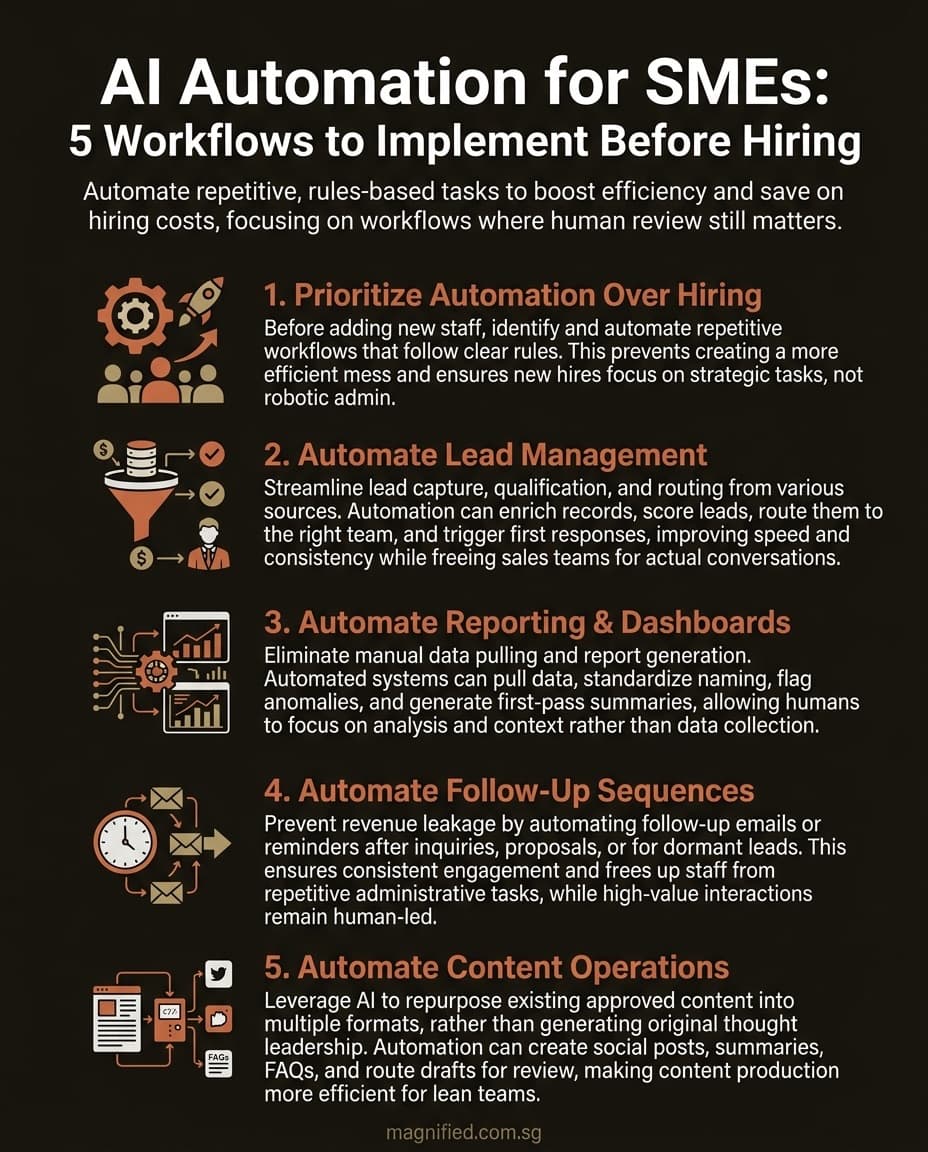
Before you add headcount, automate these five SME workflows first. Here is where AI genuinely saves time, and where human review still matters.
Hiring is expensive. Bad hiring is more expensive. Bad process plus new software plus a rushed hire, that is how companies accidentally build a more efficient mess.
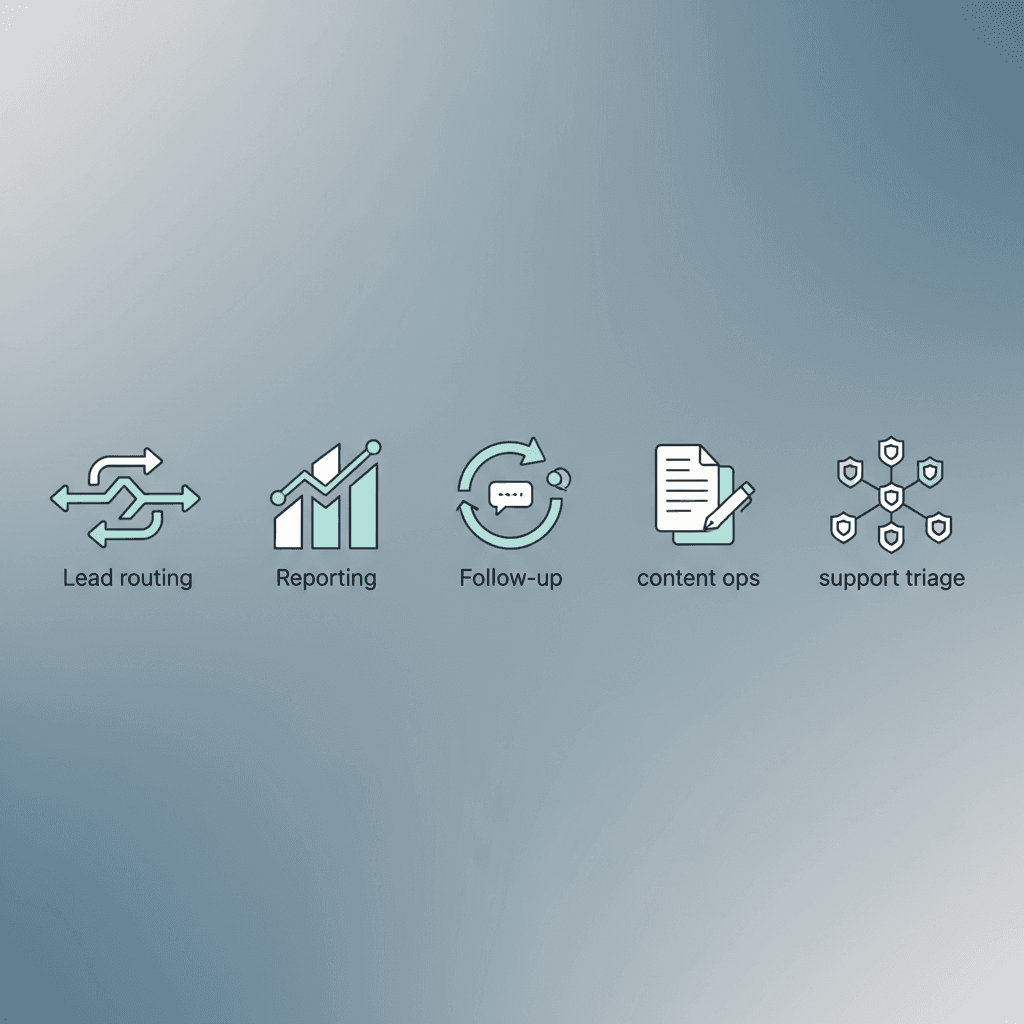
Key Takeaway: Before you add headcount, automate the repetitive workflows that already follow clear rules: lead routing, reporting, follow-up, content operations, and support triage. AI works best when the process is stable, the handoff is visible, and a human still owns the final judgment.
Written by Derek Chua, digital marketing consultant and founder of Magnified Technologies. He works with growing companies on digital systems, AI-enabled workflows, and the operational fixes that make automation useful instead of chaotic.
A lot of owners are asking the wrong question. They ask, "Which AI tool should we buy?" The better question is, "Which workflow keeps eating time every week, and why are humans still doing the robotic part of it?"
That distinction matters because AI automation is moving fast, but trust is still lagging behind. Stanford's 2026 AI Index notes that business adoption has accelerated faster than earlier platform shifts, while reliability, governance, and trust remain open concerns. In other words, the technology is running. Management discipline is trying to catch up.
At Magnified, we keep seeing the same pattern. Teams do not actually need "more AI". They need one useful workflow that removes repetitive admin, gives someone time back, and does not create a hidden clean-up job later. Fancy demos are easy. Sustainable operations are harder.
Most SMEs should automate capacity before they automate strategy
Here is the position plainly: automate the work that is repetitive, rules-based, and easy to review before you automate strategic decisions, high-risk approvals, or anything customer-facing that can go off the rails in public.
If a workflow already has these three traits, it is a strong automation candidate:
- the input is predictable
- the output can be checked quickly
- the cost of a wrong first draft is low
If those traits are missing, you probably have a process problem before you have an automation opportunity.
OpenAI's March 2026 product release around agent-building tools makes the same broader point in a different way. The tooling is increasingly capable of handling multi-step tasks, but production use still depends on orchestration, observability, and guardrails. That is a polite technical way of saying: the workflow matters more than the prompt.
Workflow 1: Lead capture, qualification, and routing
This is usually the first workflow worth automating because the waste is obvious. Leads come in from forms, WhatsApp, ads, and referral channels. Then someone manually copies details, tags the source, decides who should follow up, and hopes nothing gets lost.
That is not skilled labor. That is an avoidable handoff problem.
A practical automation setup can:
- capture lead details from forms or chat
- enrich the record with source and campaign data
- score or label the enquiry using simple rules
- route it to the right salesperson or team inbox
- trigger the correct first-response template
For most Singapore SMEs we work with, this looks like n8n or Make orchestrating between HubSpot (or the CRM you use), Clay or Apollo for enrichment, Claude or GPT-5 for the scoring judgment, and Slack for the routing notification. The whole build typically lands in the S$5,000–S$10,000 range and ships in 1–2 weeks. We covered the broader category of these patterns in our 15 AI automation workflows piece — start there if you want concrete examples.
The human still decides how to handle nuanced deals. The automation handles speed, sorting, and consistency.
Why this works well:
- response time improves immediately
- fewer leads go unassigned
- attribution gets cleaner
- sales teams spend more time on actual conversations
What to fix before automating:
- duplicate form fields across channels
- no standard definition of a qualified lead
- no owner for each lead source
- a CRM that nobody updates properly
If the sales process is vague, automation will simply make the vagueness happen faster. A real achievement, just not the one you wanted.
Workflow 2: Reporting and dashboard preparation
Weekly reporting is a classic example of smart people doing work that should have stopped being manual a long time ago.
Someone logs into GA4, ad platforms, CRM dashboards, and spreadsheets. They pull the same numbers, format the same slides, and write the same explanation with slightly different adjectives depending on whether the graph went up or down.
This is exactly where workflow automation earns its keep.
A good setup can:
- pull data from your core platforms on a schedule
- clean and standardise naming
- flag anomalies or threshold changes
- generate a first-pass summary of what moved
- send the report to the right stakeholder automatically
The pattern is straightforward: n8n or Make on a cron trigger, the Google Ads / GA4 / HubSpot / Search Console APIs for data, Claude or GPT-5 for the commentary step, and email or Slack delivery. The commentary step is where most of the value lives — anyone can write a script that pulls last week's numbers; the LLM is what turns the numbers into a 200-word "here's what changed and why it matters" paragraph the owner actually reads on Monday morning.
The human reviews the story, adds context, and decides what matters. The machine handles collection and first-pass synthesis.
At Magnified, this is one of the quickest wins because reporting time tends to expand quietly inside growing teams. Nobody notices the cost because it is spread across multiple people. Then you add it up and realise you are paying experienced staff to behave like browser tabs.
What to fix before automating:
- inconsistent naming conventions across campaigns
- metrics that nobody actually uses to make decisions
- reports built for vanity rather than action
- no agreement on source of truth
Automating a bad report does not create insight. It just produces bad reporting faster and with better formatting.
Workflow 3: Follow-up sequences after enquiries, proposals, or dormant leads
A lot of revenue leaks out through forgotten follow-up. Not because the team is lazy, but because follow-up competes with everything else.
This is where AI-assisted workflow automation is useful, especially if you keep the logic narrow.
A practical workflow can:
- trigger follow-up emails or WhatsApp reminders after a form submission
- nudge proposal recipients after a set number of days
- re-engage dormant leads with a relevant next step
- customise messaging based on service interest or funnel stage
- stop automatically when a human replies or a deal changes stage
Tools that actually work here for SG SMEs: HubSpot sequences (if you're already on HubSpot), n8n with the Meta Cloud API for WhatsApp Business, and Claude or GPT-5 for the message personalisation step. Templated follow-ups don't get replies; ones that reference what the prospect actually said on the call do.
This works because the underlying process is predictable. Someone enquired. Someone downloaded something. Someone got a proposal and then vanished into the mist. The next best action is usually not a mystery.
Where human review still matters:
- high-value sales conversations
- regulated industries or sensitive claims
- custom proposals with unusual pricing or legal terms
- emotionally charged service issues
You are not trying to automate relationship-building. You are trying to remove the admin friction that stops relationship-building from happening consistently.
Workflow 4: Content operations and repurposing
Most teams think content creation is the first place to use AI. That is half right.
AI is often mediocre at creating differentiated thought leadership from scratch. It is much better at helping a team turn one approved source asset into multiple operational outputs.
That means automation works best around the workflow, not the final opinion.
A content operations workflow can:
- turn a webinar, voice note, or article into draft social posts
- generate first-pass metadata, summaries, FAQs, or content briefs
- convert long-form content into email snippets or ad angles
- route drafts to the correct reviewer
- maintain a lightweight production checklist so nothing stalls silently
The stack we see working most often: AssemblyAI or Whisper for transcription of the source asset (call, interview, voice note), Claude or GPT-5 for the multi-format draft generation, and Notion or Airtable as the content review board. Brand voice is the make-or-break variable — without 3–5 pages of voice guidelines and example outputs fed to the LLM as context, you get generic LinkedIn slop. With them, you get usable first drafts.
This is especially useful for founder-led or lean teams who have good ideas but weak production consistency.
The trap to avoid is letting AI publish unchecked. Your differentiator is not volume. Your differentiator is judgment, lived experience, and strategic taste. Machines can help package those things. They should not replace them.
Workflow 5: Customer support triage and internal routing
Support is another strong early candidate, particularly when the business keeps getting the same questions in slightly different wording.
A sensible automation layer can:
- classify incoming messages by issue type or urgency
- route billing, delivery, sales, and technical questions to the right queue
- suggest a draft reply from approved knowledge sources
- detect when a human needs to take over immediately
- log recurring issues for operations review
In practice: Freshdesk, Zendesk, or Intercom on the helpdesk side, an RAG layer over your knowledge base (built with n8n or a custom Python script depending on volume), and Claude or GPT-5 for the classification and draft generation. The RAG layer is what stops the AI from hallucinating answers — without it, the workflow confidently invents policy details that don't exist.
This saves time without pretending the machine should own the entire support relationship.
Stanford's 2026 AI Index and the broader industry response around AI deployment both point to the same friction: adoption is rising, but trust still depends on transparency and reliability. Support is a good example. Fast replies are valuable, but confident nonsense is not. Nobody wants an AI assistant that answers quickly and apologises later, preferably after upsetting a paying customer.
What to fix before automating:
- no clean knowledge base
- no category structure for support requests
- no escalation rules
- no visibility into resolution quality
If the team cannot define what counts as urgent, the automation will not magically invent judgment.
What not to automate first
Some workflows look glamorous in a pitch deck but are poor first candidates in a real SME.
Hold off on these until your foundations are stronger:
- final pricing decisions
- hiring decisions based on unreviewed AI screening
- public-facing thought leadership without editorial review
- complaint handling where tone and nuance matter heavily
- cross-functional strategy work with messy inputs and unclear ownership
These can be assisted by AI. They should not usually be handed over as your first automation project.
The easiest rule is this: if a mistake could damage trust, reputation, compliance, or margin in one move, keep a human tightly in the loop.
How to choose the first workflow without overthinking it
Use a simple scorecard. Rank candidate workflows from 1 to 5 on these criteria:
- frequency: how often it happens
- time cost: how much manual effort it consumes
- rule clarity: how clearly the steps can be defined
- review ease: how quickly a human can verify the output
- downside risk: how painful an error would be
The best first automation project is usually the workflow with high frequency, high time cost, clear rules, easy review, and low downside risk.
That is why lead routing, reporting, follow-up, content ops, and support triage keep showing up near the top. They are boring enough to matter. Boring is underrated. Boring workflows are where margin hides.
The real prerequisite is process hygiene
This is the part people skip because it sounds less exciting than "agentic workflows".
Before you automate anything, document the workflow as it exists now. Identify the trigger, the handoff, the exception cases, the owner, and the success measure. If nobody can explain the process in plain English, it is not ready for automation.
In Derek's experience, the biggest automation failures do not come from model quality alone. They come from unclear inputs, weak ownership, and missing review steps. The company blames AI when the real problem is that the workflow was already held together with duct tape and optimism.
Clean process first. Then automation. In that order.
What business owners should do this month
If you want a practical starting point, do this:
- List the repetitive tasks your team performs every week
- Highlight the ones with clear inputs and low-risk outputs
- Pick one workflow, not five
- Define the handoff, review step, and success metric before you build anything
- Run it for two to four weeks and measure time saved, error rate, and speed
- Expand only after the first workflow is genuinely stable
This is slower than buying three AI tools in a burst of enthusiasm. It is also much more likely to work.
If you want help identifying which workflow to automate first, and how to build the guardrails around it, see our AI automation services, our 15 AI automation workflows guide for concrete examples with build times and pricing, or our buyer's guide to AI automation agencies in Singapore if you're evaluating who to hire. The right automation setup should create usable capacity, not new cleanup work.
Frequently Asked Questions
What is the best AI automation workflow for a small business to start with? The best first workflow is usually one that is repetitive, rules-based, and easy to review. For many SMEs, that means lead routing, reporting, or follow-up sequences. These workflows save time quickly without handing high-risk judgment entirely to software.
Should SMEs automate before hiring new staff? Often, yes, at least for repetitive operational tasks. If the work is predictable and keeps consuming team time every week, automation can expand capacity before you commit to fixed payroll. The key is to automate specific workflows, not chase AI for its own sake.
Which business processes should not be automated first? Avoid automating high-risk decisions, final pricing, sensitive complaint handling, or anything that can harm trust or compliance if the output is wrong. These areas can be AI-assisted, but they usually should not be your first fully automated workflow.
How do I know if a workflow is ready for AI automation? A workflow is usually ready when the inputs are predictable, the steps are clear, and a human can review the output quickly. If the process is inconsistent or nobody owns it, fix that first. Automation performs best on stable systems, not messy improvisation.
Can AI automation help with marketing operations? Yes. It is especially useful for lead routing, campaign reporting, follow-up sequences, and content repurposing. These are often repetitive tasks with visible business impact, which makes them strong candidates for early automation.
Do I need expensive agent systems to automate these workflows? Not always. Many useful workflows can start with simpler integrations, clear triggers, and lightweight review steps. The expensive part is usually not the software, it is the process confusion you failed to fix before implementation.
Which platform should I use to build these workflows — n8n, Make, or Zapier? For most Singapore SMEs, Make is the fastest no-code prototype, n8n is the right choice when you need self-hosting or more complex logic, and Zapier is only worth it if the rest of your stack already lives there. None of these is wrong. Differences are in self-hosting flexibility, pricing model, and ceiling of workflow complexity. We've written a fuller comparison covering pricing in SGD, PDPA considerations, and SG SME integrations.
How much does it cost to build one of these workflows in Singapore? A well-scoped single workflow built by an agency in Singapore runs S$5,000–S$15,000 depending on integration complexity. Built in-house by an engineer learning n8n or Make, the cost is closer to S$50–S$300/month for the platform plus S$50–S$500/month for LLM API costs depending on volume. For a full pricing breakdown, see our AI Automation Agency buyer's guide.
Work With Magnified
Ready to turn traffic into leads?
We help SMEs grow with AI-powered SEO, content marketing, and paid ads. If you're getting traffic but not leads — let's fix that.