WordPress Just Released Official AI Plugins. Here's What SME Site Owners Actually Need to Know.
WordPress has released official AI infrastructure supporting Claude, Gemini, and GPT. Here's what it means for SME site owners, and when to act.
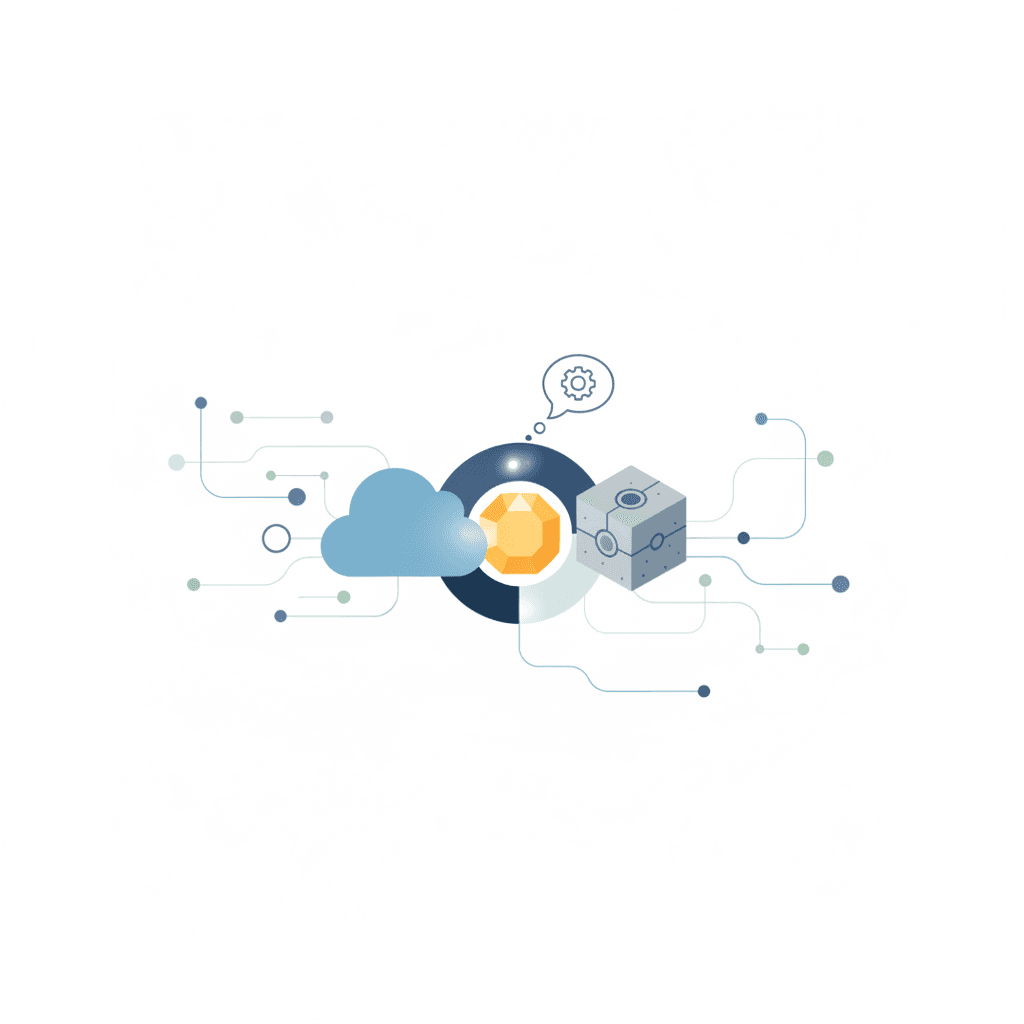
Last week, WordPress.org published the AI Services plugin: official infrastructure that lets WordPress sites connect to AI providers including Anthropic (Claude), Google (Gemini), OpenAI (GPT), and several others. WordPress 7.0, due in April, will bake the underlying SDK in by default.
You may have seen the headlines. "WordPress adds AI." "Claude and ChatGPT come to WordPress." The coverage was enthusiastic.
The reality is more precise, and more useful, than the headlines suggest.
Key Takeaway: WordPress's new AI Services plugin is developer infrastructure, not an AI chatbot switch you can flip. It creates a standard layer so future plugins can offer AI features across your site. For SME site owners, the real moment arrives when WordPress 7.0 launches in April with AI built in by default. For now: watch, understand, and prepare.
Written by Derek Chua, digital marketing consultant and founder of Magnified Technologies. Derek has managed WordPress-based web properties for Singapore SME clients across retail, professional services, and F&B, and has been working with AI tools in production since 2023.
What WordPress's AI Services Plugin Actually Does
Before anything else: this is not a "ChatGPT button" for your website.
The AI Services plugin is infrastructure. Developer infrastructure. Think of it like a power socket standard: it doesn't provide electricity itself, but it means any appliance (plugin) can plug in using the same connector instead of every manufacturer wiring their own fuse box.
Specifically, the plugin:
- Creates a uniform API layer that works across multiple AI providers (Anthropic, Google, OpenAI, Mistral, Perplexity, xAI, and even Chrome's built-in AI)
- Allows WordPress plugins to use AI capabilities without each plugin needing to build their own connection from scratch
- Includes an AI Playground in the WordPress admin for developers to test capabilities
- Provides a single settings screen where site owners enter their API credentials once, rather than separately for every AI plugin
The capabilities on offer include text generation, text chats with history, image generation (including saving to your media library), multimodal input, and function calling.
That last capability matters more than it sounds. Function calling means AI can take structured actions on your site. Not just write text, but interact with systems. The implications for plugins and automations are significant once the ecosystem around this infrastructure matures.
The April Moment: WordPress 7.0 Changes the Equation
The more important date is April 2026.
WordPress 7.0 will ship with the PHP AI Client SDK integrated by default. That means every new WordPress installation will have AI infrastructure available out of the box, without any additional plugin installation.
This is the inflection point. Once AI capabilities are a default part of the WordPress platform, plugin developers will build for it. Features like AI-generated content drafts, smart product descriptions, intelligent chatbots, and automated SEO suggestions become significantly easier to add to any WordPress site.
The AI Services plugin released now is essentially the preview. It lets developers build and test against the standard before 7.0 ships. For most SME site owners, April is the more relevant date.
What You Need to Run This Today
If you or your developer want to test the AI Services plugin now, here is what is required.
PHP 7.4 or higher. Most reputable hosting providers (SiteGround, Kinsta, WP Engine, local alternatives like Vodien and Exabytes) are running PHP 8.x by default. If your site is still on PHP 7.3 or below, this is a good nudge to upgrade. Not just for AI, but for security reasons.
API keys from the AI providers you want to use. This is the cost consideration most headlines skip. You are not paying for the plugin itself. You are paying for API calls to Anthropic, Google, or OpenAI every time the AI does something on your site. Pricing varies: GPT-4o runs roughly USD $2.50 per million input tokens, Claude Sonnet is in a similar range, and Gemini Flash is considerably cheaper. For light usage on an SME site, monthly costs might be a few dollars. For a content-heavy operation, costs scale.
A developer, or genuine technical comfort. There is nothing in the box for a non-developer to click and see immediately. The AI Playground in the admin is useful for exploration, but actually doing something useful with AI on your site requires a plugin built on top of this layer, or custom development.
At Magnified, the pattern we observe across client WordPress projects is consistent: AI-adjacent features get overestimated at the announcement stage and underestimated when the tooling actually matures. The right move for most SME site owners is to note this development, brief your developer, and revisit in April when WordPress 7.0 ships and the plugin ecosystem starts responding.
The Data Privacy Question You Should Ask First
Here is the part worth pausing on before you activate anything AI-related on your site.
When your WordPress site uses the AI Services plugin to call Anthropic, Google, or OpenAI, the content being processed leaves your server and goes to that provider's infrastructure. For a marketing website, that might mean product descriptions, blog drafts, or visitor-submitted form content being sent externally.
For most businesses here, this is not a legal crisis, but it does warrant attention under PDPA obligations. If your site processes any personal data (customer enquiry forms, booking requests, account details), you need to be sure that data is not being sent to AI providers as part of any automation.
Practical rule: AI on the front end (blog content, product descriptions, marketing copy) is generally low-risk. AI touching customer data requires a data processing assessment and, potentially, DPA clauses with your AI provider.
Who Should Act Now vs. Who Should Wait
Act now if you are a developer or agency. The AI Services plugin gives you the chance to build familiarity with the standard before WordPress 7.0 ships. Understanding the plugin dependency system and the API layer now means you can offer AI-enhanced WordPress features to clients from day one of 7.0's release.
Wait if you are an SME site owner. The plugin ecosystem built on top of AI Services does not exist yet at scale. There is nothing practical to install today that uses this infrastructure in a polished, production-ready way for non-technical users. That changes in April.
Watch if you are a marketer. The upstream implication is significant: WordPress powers roughly 43% of all websites globally, with a large share of SME sites built on the platform. When WordPress 7.0 makes AI native, the competitive landscape for AI-generated content, smart product recommendations, and automated customer interactions shifts. It becomes a baseline expectation rather than a differentiator.
What This Changes for SEO and Content
One dimension worth flagging: AI-generated content at scale will become easier with a native WordPress integration.
That cuts both ways. Yes, producing more content becomes faster. But if every WordPress site owner starts using AI to generate product descriptions and blog posts, the differentiator shifts from volume to quality and genuine expertise. Google's guidance has been consistent on this: it is not how content is made, it is whether it is helpful and demonstrates expertise.
At Magnified, this reinforces the approach we already recommend for clients: AI handles the scaffolding and first drafts, human review handles the judgment and insight. The WordPress AI integration makes that workflow more accessible, not more automated by default. The human layer still matters.
Frequently Asked Questions
What is the WordPress AI Services plugin and how does it differ from installing a ChatGPT plugin? The AI Services plugin is infrastructure: it creates a standard connection layer between WordPress and multiple AI providers (Claude, Gemini, GPT, and others). A typical ChatGPT plugin does one specific thing, usually a chatbot. AI Services enables other plugins and developers to build any kind of AI feature on top of a single, unified API rather than each building their own connection from scratch. Think of it as the foundation, not the building.
Do I need to pay to use AI on my WordPress site? The plugin itself is free. You pay for API usage from whichever AI provider you connect. Anthropic, Google, and OpenAI charge per token processed. For a typical SME site with light AI usage, costs are likely a few dollars per month. For high-volume content generation, costs scale accordingly. Build in a cost estimate before activating any AI feature in production.
Is my customer data safe if I use AI plugins on my site? It depends on what the AI is processing. Content AI (drafts, descriptions, marketing copy) is generally low-risk. If any customer-submitted data, such as enquiry forms, bookings, or account details, is being sent to AI providers, that requires attention under PDPA. Treat AI providers as third-party data processors and ensure appropriate safeguards are in place before connecting them to anything that touches personal data.
Should I update to WordPress 7.0 immediately when it releases in April? Wait two to four weeks after any major WordPress release before updating production sites. WordPress 7.0 will be significant, and the early weeks typically surface compatibility issues with popular plugins. Update your staging site first, test thoroughly, then move to production.
My website is on Wix, Squarespace, or Shopify. Does any of this affect me? Not directly. The WordPress AI Services plugin and the 7.0 SDK integration apply only to self-hosted WordPress (wordpress.org) sites. Hosted platforms control their own technology stacks independently. That said, expect similar AI integrations to roll out across other platforms through 2026. The direction of travel is clear across the entire industry.
The short version: WordPress is building a foundation that will make AI features a standard part of the web publishing stack by April 2026. Between now and then, the right move is to understand what is coming, ensure your hosting meets minimum PHP requirements, and brief whoever manages your site.
If you want to review your current WordPress setup or start planning for AI-native features, the web development team at Magnified works with WordPress SME sites and can help you build a practical roadmap.
Work With Magnified
Ready to turn traffic into leads?
We help SMEs grow with AI-powered SEO, content marketing, and paid ads. If you're getting traffic but not leads — let's fix that.