Google Just Drew a New Spam Line. Check Your Site for Back Button Hijacking Before June 15.
Google will enforce its new back button hijacking spam policy from June 15, 2026. Here's how to test your site and fix risky scripts now.
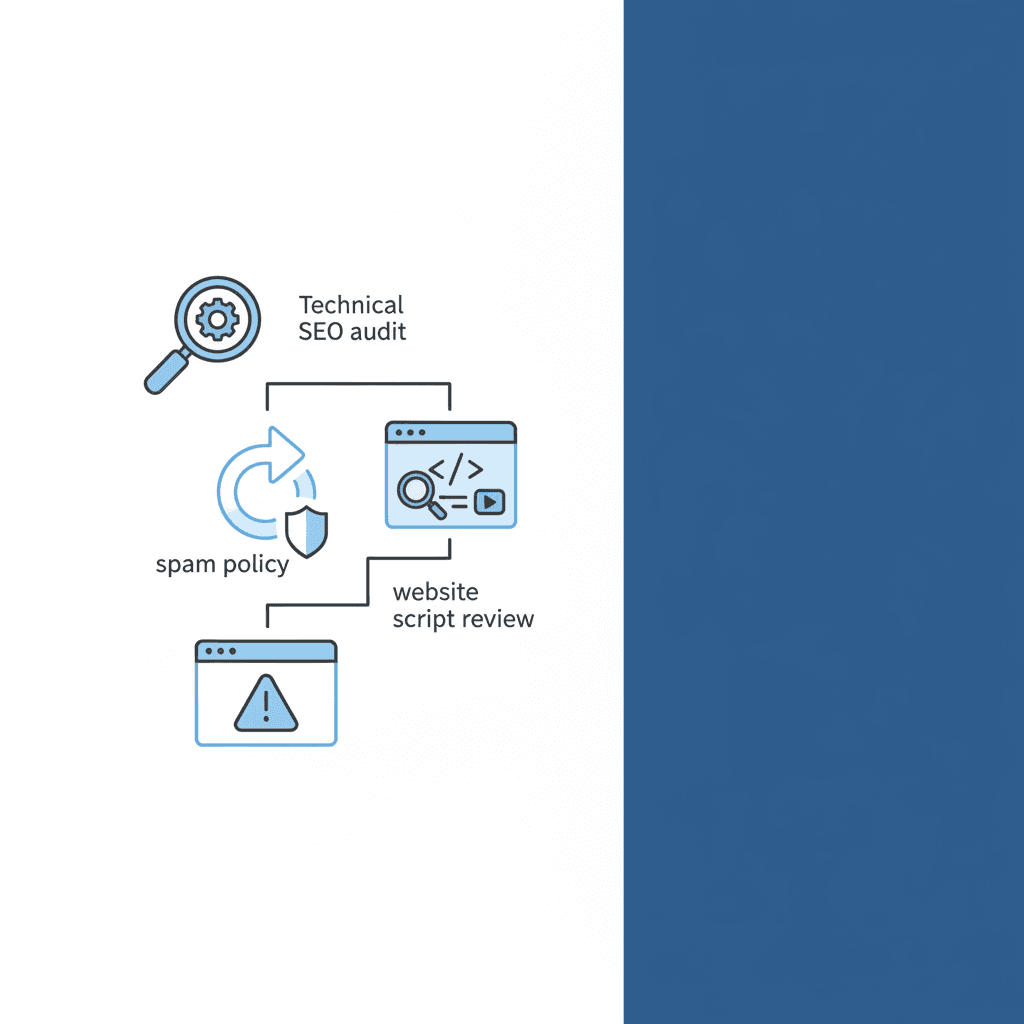
Google has given site owners something rare: a clear warning, a clear deadline, and a very clear hint that some perfectly ordinary-looking websites may be closer to spam territory than they think.
Key Takeaway: Google will start enforcing its explicit policy against back button hijacking on June 15, 2026. If your site uses popups, redirect scripts, ad widgets, or third-party libraries that interfere with normal browser navigation, you need to audit them now.
Written by Derek Chua, digital marketing consultant and founder of Magnified Technologies. He works with growing companies on SEO, website performance, and the technical fixes that protect discoverability before rankings quietly slip.
Most business owners will read this and assume it only affects scammy sites. That would be a comfortable assumption, and unfortunately comfort is not the same thing as accuracy.
Google's April 13 update made "back button hijacking" an explicit violation under its malicious practices spam policy, with enforcement beginning on June 15, 2026. In plain English, if your website stops people from using the browser back button the way they expect, or pushes them into pages and ads they never asked to see, Google can treat that as spam.
That matters because the culprit is not always a shady SEO trick. Sometimes it is a plugin. Sometimes it is an aggressive lead-gen popup. Sometimes it is an ad or recommendation script that a site owner installed two years ago and never thought about again. The internet has a special talent for turning "just add this widget" into "why is Search Console angry at me?"
What is back button hijacking, exactly?
Back button hijacking happens when a site interferes with a visitor's browser history or navigation flow so they cannot immediately return to the page they just came from.
According to Google's new policy announcement, this can include situations where users:
- click Back and land on a page they never visited
- click Back and get interrupted by unsolicited ads or recommendations
- click Back and are prevented from leaving normally
The key issue is not whether the site owner intended to be deceptive. The key issue is whether the browser behavior breaks the user's expectation. When someone clicks Back, they expect to go back. Not sideways. Not into a maze. Not into a popup carnival.
Why Google is treating this as a spam issue
Google placed back button hijacking under its malicious practices policy, not under a minor UX guideline or a polite best-practice reminder. That tells you how it sees the issue.
In Google's April 13 Search Central post, it said this behaviour creates a mismatch between user expectations and actual outcomes. It also said people report feeling manipulated and become less willing to visit unfamiliar sites afterwards. That is not just a technical concern. It is a trust concern.
This also fits Google's broader pattern over the last two years. Search has become less tolerant of tactics that create value for site owners by making life worse for users. The March 2024 spam policy expansion did the same thing in different categories. This new clarification follows that logic: if your growth tactic relies on trapping people, Google does not consider it clever. It considers it harmful.
Why legitimate SME websites are still at risk
This is the part most owners should pay attention to.
Google explicitly noted that some instances of back button hijacking may come from included libraries or advertising platforms. In other words, you do not get a free pass just because the bad behaviour came from third-party code.
A few common risk zones:
Popup and lead capture tools
Some popup tools rewrite history states, delay exits, or trigger layered interstitials that make leaving harder than it should be.
Redirect scripts and funnel builders
Certain landing page systems or custom scripts force extra steps when users try to leave, especially on mobile.
Ad widgets and recommendation engines
Some third-party monetisation tools inject navigation behaviour that site owners never properly reviewed.
Legacy plugins
Old WordPress or Shopify add-ons can behave oddly after browser or theme updates. Nobody notices until users get annoyed, or Google does.
At Magnified, we have seen a version of this pattern before with tracking scripts, cookie tools, and popups: the feature is sold as a conversion booster, but once stacked with three other tools it starts fighting the site itself. Conversion tech should help users decide, not physically interfere with their exit.
How to test your site for back button hijacking
You do not need a full forensic lab for this. You need a repeatable check.
Start with your top landing pages, paid traffic pages, blog posts with heavy plugins, and any page using popups or third-party widgets.
Desktop test
- Open a page from an external source, such as Google search results or another site.
- Click around once or twice if needed.
- Hit the browser back button.
- Check whether you return cleanly to the previous page.
- Repeat with popups dismissed and not dismissed.
Mobile test
- Open the same page on your phone.
- Trigger any banners, chat widgets, signup forms, or video overlays.
- Use the browser back action.
- See whether the site traps you, inserts an unexpected page, reloads aggressively, or serves an ad before allowing exit.
What counts as a red flag
- You need multiple Back taps to leave one page
- The page inserts extra states you never intentionally visited
- A recommendation page appears before the original previous page
- An ad or popup blocks exit
- Navigation behaves differently only when certain scripts load
- The issue appears only on mobile or only with ads enabled
If any of that happens, do not debate whether it is technically clever. Remove the behaviour first, then argue with your plugin vendor later.
Which scripts and tools should you review first?
If you only have an hour, audit these in order:
1. Exit-intent and popup platforms
Especially those promising higher conversion through "smart recovery" flows.
2. Ad network scripts
Particularly if you use aggressive recommendation widgets, interstitial inventory, or low-quality monetisation partners.
3. Custom JavaScript added through tag managers
This is where old experiments go to hide.
4. Third-party landing page builders
Some inject history manipulation for funnel progression or step tracking.
5. Chat tools and sticky overlays
Usually fine, occasionally chaotic.
A useful test is temporary subtraction. Disable one tool at a time and repeat the back-button test. When the weirdness disappears, you have found your suspect.
What should you do if you find the problem?
First, remove or disable the offending code. Google's own guidance is straightforward here: if a script or technique inserts or replaces deceptive or manipulative pages into browser history and stops users from getting back to the previous page, it needs to go.
Second, check whether the issue appears sitewide or only on certain templates. Problems on just a few campaign pages are still problems.
Third, look in Google Search Console's Manual Actions report. Google's help documentation says manual actions can cause some or all of a site to stop appearing normally in search. If you ever receive one, fix the issue across all affected pages, not just the page that embarrassed you first.
Fourth, if a manual action has already hit the site, submit a reconsideration request only after the issue is fully resolved. Partial cleanup is the SEO version of spraying perfume on smoke.
What happens if you ignore this until June?
Possibly nothing tomorrow. That is what makes these issues dangerous.
Google said pages engaging in back button hijacking may face manual spam actions or automated demotions. That means the downside is not limited to a bad user experience. You could lose visibility, traffic, or both.
The practical problem for SMEs is that these losses rarely announce themselves dramatically. You do not always get a giant red siren. Sometimes rankings soften. Sometimes paid landing pages underperform for reasons that look unrelated. Sometimes a site just becomes less trusted by both users and platforms. Slow damage is still damage.
The right position: remove friction that feels manipulative
There is a broader lesson here. Not every retention tactic is worth keeping.
If a website needs to confuse, delay, or trap visitors to squeeze out one extra lead, that is usually a sign the offer or page experience needs work. Better messaging, stronger proof, cleaner forms, and clearer CTAs are durable fixes. Navigation tricks are not.
Derek's view on this is simple: if a tactic would annoy you on someone else's site, do not build your growth plan on it. Google is just codifying what users already hated.
What business owners should do this week
Use this checklist:
- Test your top five landing pages on desktop and mobile
- Trigger every popup, ad layer, recommendation widget, and sticky banner
- Press Back and observe what actually happens
- Disable suspect plugins or scripts one by one
- Review Search Console for manual action notices
- Fix the issue before June 15, not on June 14 at 11:53 PM
The last-minute scramble is always more expensive. Also more irritating.
If your site runs on a pile of plugins and third-party code, this is a good excuse to clean house. Technical SEO is not only about crawlability and metadata. Sometimes it is about making sure your website behaves like a normal website.
See our SEO & SEM services if you want help auditing risky scripts, cleaning up technical issues, and protecting search visibility before they turn into ranking problems.
Frequently Asked Questions
What is back button hijacking in simple terms? Back button hijacking happens when a website stops users from returning normally to the previous page after they click the browser's back button. Instead, the site may show unexpected pages, ads, or extra steps. Google now treats that behaviour as an explicit spam-policy violation.
Does this only affect shady or spammy websites? No. Google specifically said some cases may come from included libraries or advertising platforms. A legitimate business site can still trigger the issue if a plugin, script, or widget interferes with browser history.
When will Google start enforcing this policy? Google announced the policy on April 13, 2026 and said enforcement begins on June 15, 2026. That gives site owners a short window to audit and remove risky behaviour before penalties or demotions begin.
Can back button hijacking lead to a manual action? Yes. Google said pages engaging in back button hijacking may be subject to manual spam actions or automated demotions. If a manual action is issued, the site owner will need to fix the problem and then submit a reconsideration request through Search Console.
How do I check if my website has this problem? Test important pages on desktop and mobile, especially pages using popups, ad widgets, redirect scripts, or third-party libraries. Visit the page from another source, click Back, and see whether you return normally. If you get trapped, redirected, or interrupted, investigate the scripts running on that page.
Should I remove popup tools completely? Not necessarily. The issue is not "popups exist," it is "popups interfere with browser navigation." Keep tools that behave normally and remove or reconfigure anything that traps users, inserts fake history states, or blocks a clean exit.
Work With Magnified
Ready to turn traffic into leads?
We help SMEs grow with AI-powered SEO, content marketing, and paid ads. If you're getting traffic but not leads — let's fix that.